Ideas into models

Hitem3d examples free for creators and makers

Use hitem3d examples free as a practical starting point for turning simple ideas into useful 3D model concepts. Browse proven prompt patterns, workflows, and output checks before creating your own.

Free to start · no signup
Hitem3d 3D model generation workspace

Start with a use case

The scenario's pain

The best examples begin with a specific job to solve. Choose a familiar scenario, then adapt the structure rather than trying to describe every tiny surface detail at once.

Collectors and gift makers

You want a custom keepsake from a pet, person, or memorable character but do not have time to sculpt from scratch.

Begin with a recognizable silhouette, a simple pose, and one signature accessory; refine the result for display or later fabrication.

pet figurine ideas

Indie game creators

You need quick visual directions for a character, prop, or creature before committing to a full production asset.

Generate several distinct concepts, compare proportions and themes, then carry the strongest direction into Blender or another 3D workflow.

character model concepts

Product and packaging teams

A rough product thought is difficult to communicate with sketches alone, especially when shape and volume matter.

Use a concise object description to create a shared visual reference for reviews, mood boards, and early design conversations.

product concept models

Makers and classroom users

You need an approachable object for a print experiment, lesson, prototype, or craft project.

Ask for broad forms, stable geometry, and a clean presentation so the generated concept is easier to inspect and adapt.

beginner 3D project ideas

Prompt to result

3 concrete workflows

These example outputs show how a short prompt can establish subject, style, and presentation. Copy one prompt, change the subject, and keep the sentence structure while you iterate.

  1. 1 prompt, verbatim
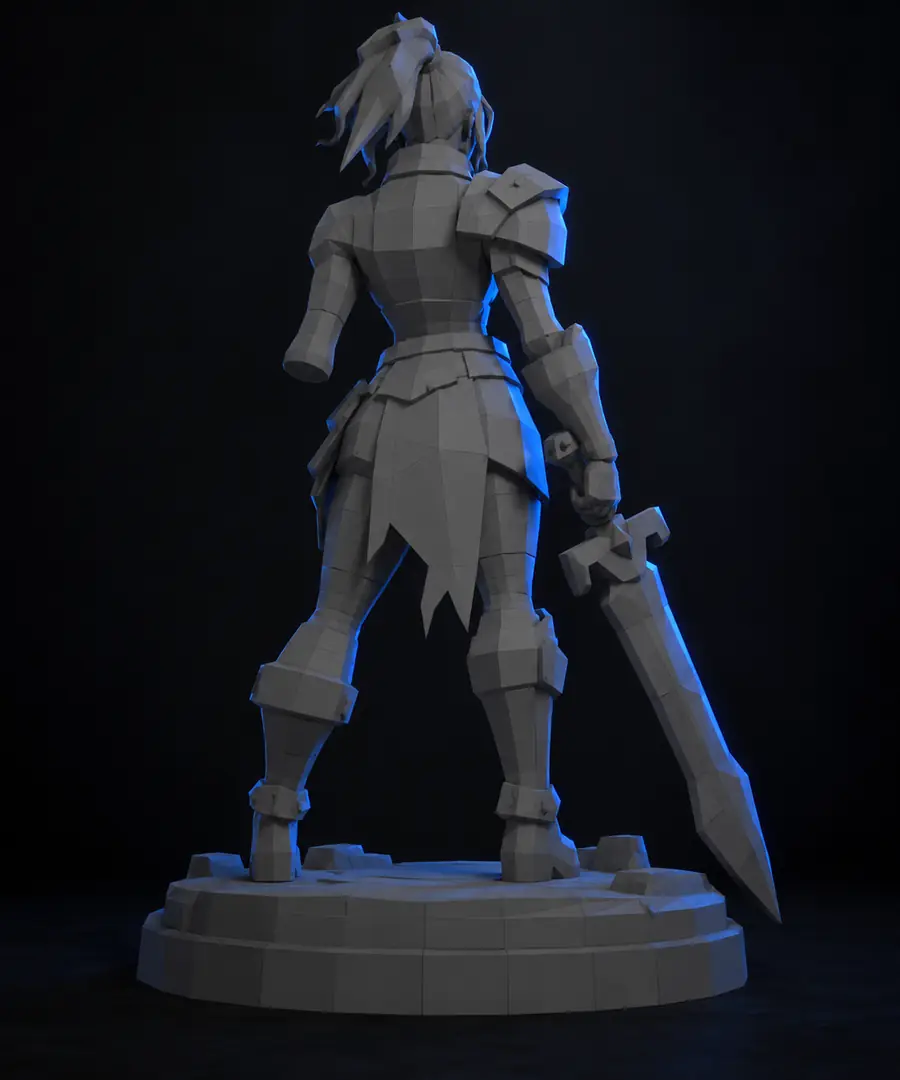
    A friendly chibi figurine with an oversized head, compact body, smooth rounded surfaces, and a simple standing pose
    Stylized figurine Character concept · display-ready form
    Stylized 3D character model example Figurine result
  2. 2 prompt, verbatim
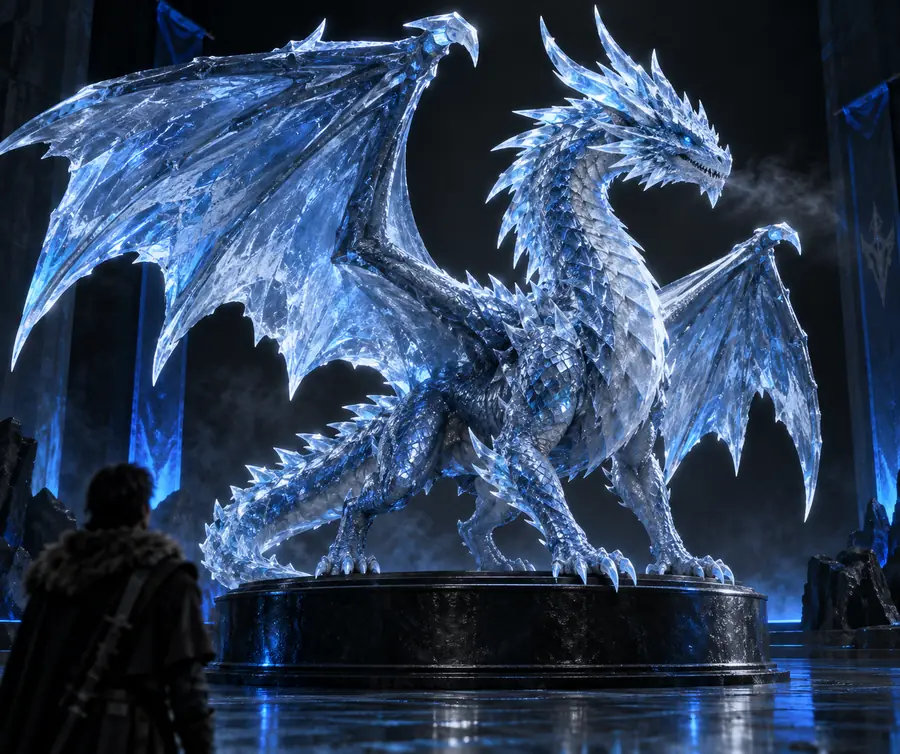
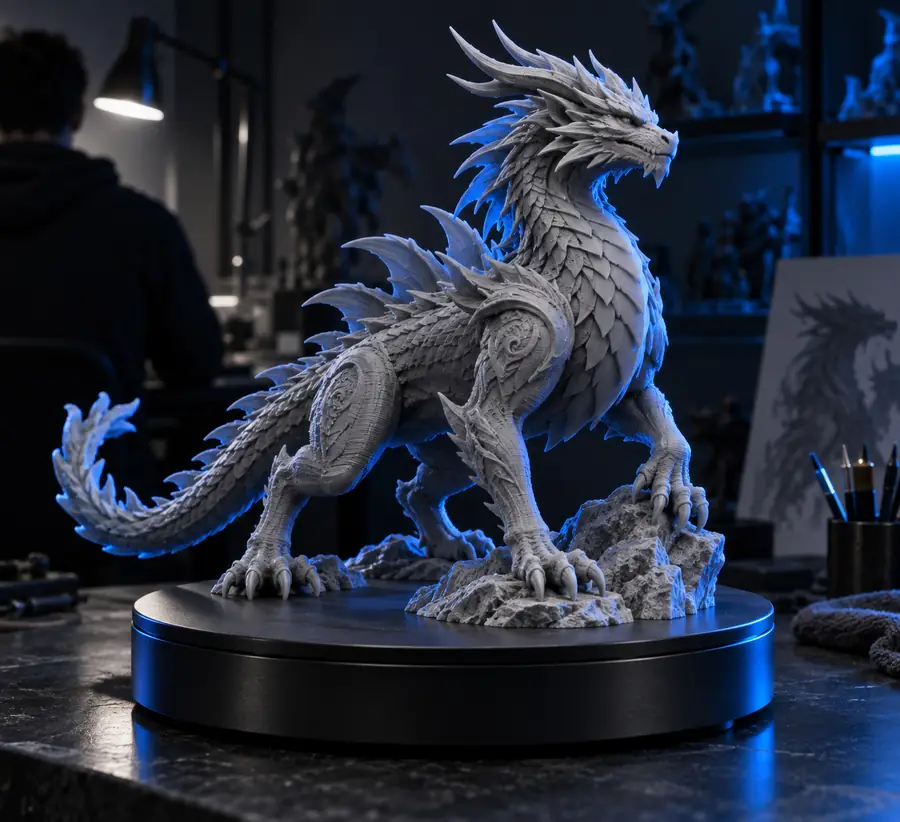
    A blue ice dragon with layered crystal scales, swept wings, curled horns, and an alert crouching pose
    Fantasy creature Creature concept · strong silhouette
    Blue ice dragon 3D model example Creature result
  3. 3 prompt, verbatim
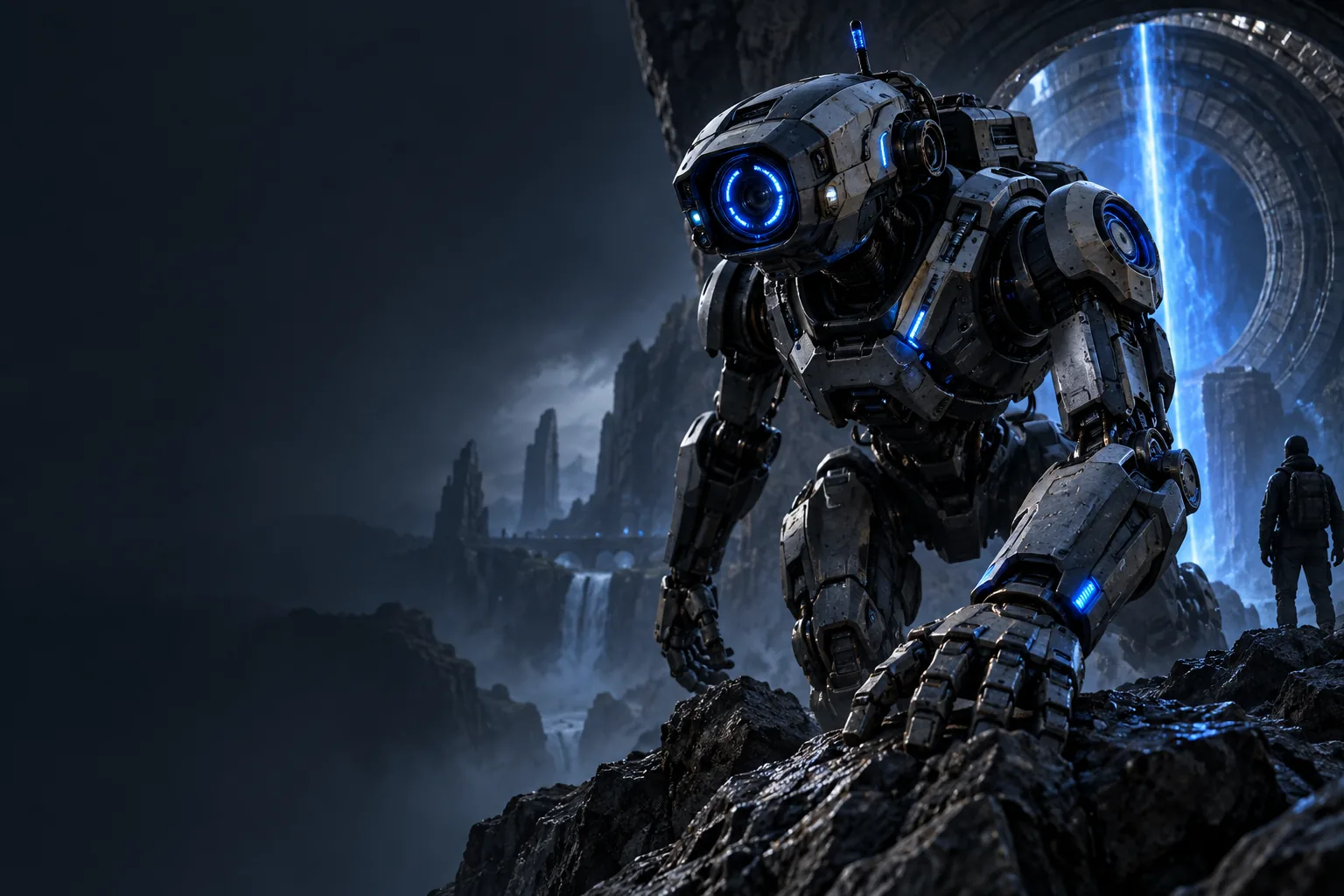
    A compact exploration robot in a detailed sci-fi scene, with articulated arms, sensor lights, and a sturdy tracked base
    Scene concept Prop and environment study
    Detailed 3D robot scene example Robot result
  4. 4 prompt, verbatim
    A fantasy guardian statue with broad shoulders, carved armor, a calm stance, and a simple pedestal base
    Statue study Sculptural form · presentation model
    Guardian statue 3D model example Statue result

Change one variable at a time: subject, style, pose, material, or setting.

Repeatable methods

3 concrete workflows

A reliable workflow separates idea generation from cleanup. Each path below keeps the prompt focused, checks the result, and leaves room for a second pass.

  • Characters
  • Creatures
  • Objects
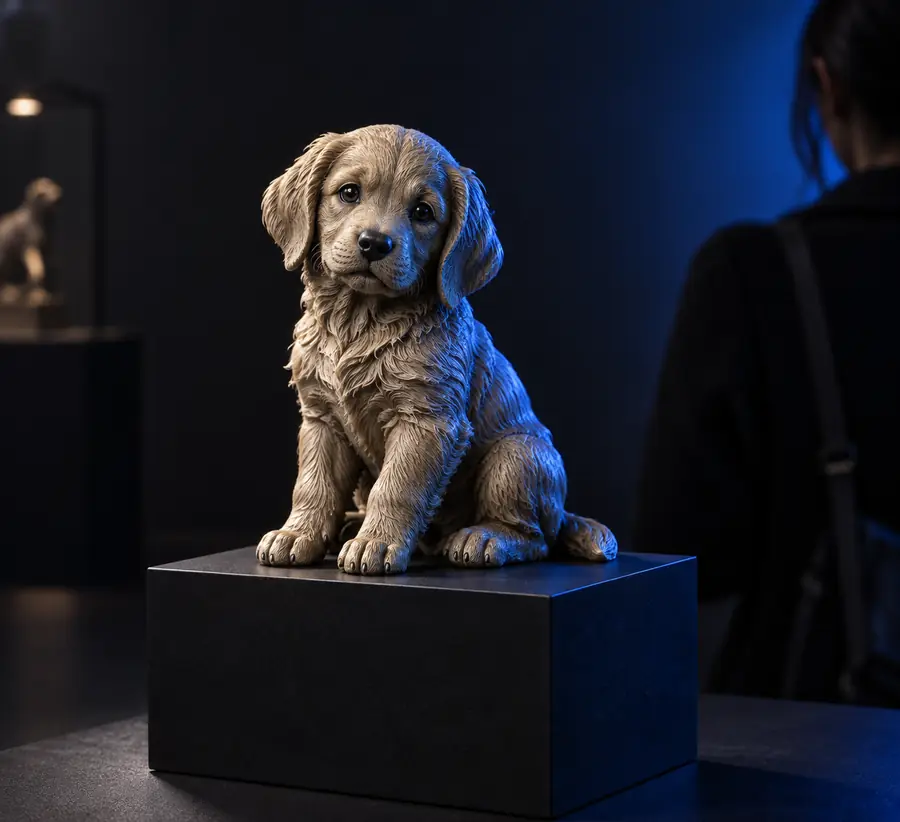
  • Puppy keepsake figurine example
    Beginner Verified

    Build a keepsake figurine

    Start with the identity-defining details, not a long biography. A clear subject, pose, clothing cue, and base gives the model enough direction to create a coherent display concept.

    1. Name the subject and its most recognizable feature.
    2. Choose a simple standing, sitting, or playful pose.
    3. Add a stable base or presentation setting.
    4. Review the silhouette before requesting refinements.
    Create a keepsake concept
  • Blue ice dragon model example
    Intermediate Verified

    Explore a fantasy creature

    Creature prompts work best when anatomy and mood are described together. Specify the main body shape, one or two memorable features, and the pose that communicates its personality.

    1. Choose the creature type and overall proportions.
    2. Add a restrained material or color direction.
    3. Describe the pose and focal features.
    4. Generate alternatives with only one major change.
    Explore a creature model
  • Generated 3D model ready for printing
    Practical Verified

    Plan a printable object

    For a model intended as a physical reference, ask for broad forms, readable edges, and a straightforward presentation. Treat the generated result as a concept that still needs inspection before fabrication.

    1. Describe the object and its intended use.
    2. Avoid fragile decorative details in the first pass.
    3. Check the base, balance, and major overhangs visually.
    4. Export or refine the concept in a suitable 3D tool.
    Plan a printable model

Choose the right path

Compliance notes

A generated model is a starting point, not a guarantee of manufacturing, licensing, or technical readiness. Match your next step to the risk and purpose of the project.

or

Option 1

You are exploring an original idea

Use broad creative prompts and compare several variations.

Concept work benefits from speed and range more than perfect topology on the first pass.

or

Option 2

You plan to print or manufacture

Inspect dimensions, watertightness, supports, scale, and surface defects in a dedicated 3D workflow.

A visually appealing preview may still need substantial technical cleanup before production.

or

Option 3

You are referencing a protected character or brand

Confirm that your intended use, source material, and distribution rights are appropriate.

A generated output does not automatically grant permission to reproduce someone else's intellectual property.
Inspect the difference

Example output

Use the comparison as a visual reminder to judge structure before polish. The strongest result is the one that communicates the subject clearly and supports your next step.

Early 3D model concept before refinement Refined AI-generated 3D model concept

First pass

Drag the divider to compare silhouette, detail, and presentation.

Refined pass

Make your own example

Turn one useful prompt into a model

Start with a subject you can describe clearly, then let the first result reveal what needs more direction. Hitem3d is most useful when each generation answers one focused question about shape, style, pose, or presentation.

  • Begin with a concrete subject and use case
  • Refine one visual variable per pass
  • Review the result before using it in production
Generate a 3D model

Common questions

Scenario FAQ

These answers focus on what people usually want to understand before trying practical 3D modeling examples.

Yes. Useful examples include a pet keepsake figurine, a fantasy creature, a game character concept, a product prototype, and a simple object prepared for later printing. Each example becomes easier when the prompt states the subject, key features, pose, and intended presentation.

Start with a single object or a simple figurine rather than a complex scene. A mascot, small statue, stylized animal, or basic household object lets you judge the silhouette and proportions without too many competing details.

They can serve as visual starting points for a print workflow, but a generated model should be inspected before fabrication. Check scale, wall thickness, unsupported areas, intersections, and whether the mesh is suitable for the printer and material you plan to use.

Keep the prompt structure and replace the subject first. Then adjust one element at a time, such as pose, material, accessories, or style, so you can tell which instruction changed the result.

Not automatically. Review the tool's current terms and confirm that any references, characters, logos, or source images are appropriate for your intended use before publishing, selling, or manufacturing the result.

Start creating
Start creating