Product designer
Turn a sketch or reference photo into a rough object concept before committing to detailed CAD work.
Review proportions and presentation ideas earlier in the design process.
Photo to asset
An image to 3d model workflow turns a visual reference into a usable starting point for design, visualization, and experimentation. Upload a clear image, describe what matters, and refine the result in the next step.
Understand the variant
Image-to-3D generation uses a two-dimensional reference as the starting point for a spatial asset. The result is best treated as an editable foundation rather than a perfect scan.
| Reference image | Generated 3D asset | |
|---|---|---|
| Input form | Photograph, illustration, or rendered view | AI-interpreted three-dimensional object |
| Information available | Visible shape, color, texture, and composition | Estimated depth, volume, surfaces, and proportions |
| Best starting point | Clear subject with limited background clutter | A model ready for review and refinement |
| Main strength | Captures the intended visual direction | Makes the concept easier to inspect from new angles |
| Typical limitation | Hidden sides are not visible | Unseen geometry may need correction |
| Useful next step | Crop and describe the subject precisely | Check topology, scale, materials, and details |
| Ideal audience | Artists, designers, makers, and storytellers | Anyone needing a fast 3D concept from an image |
From flat to spatial
The reference supplies visual clues while the generator estimates the missing spatial structure. Compare the starting image with an illustrative generated asset, then judge the shape against your actual use case.
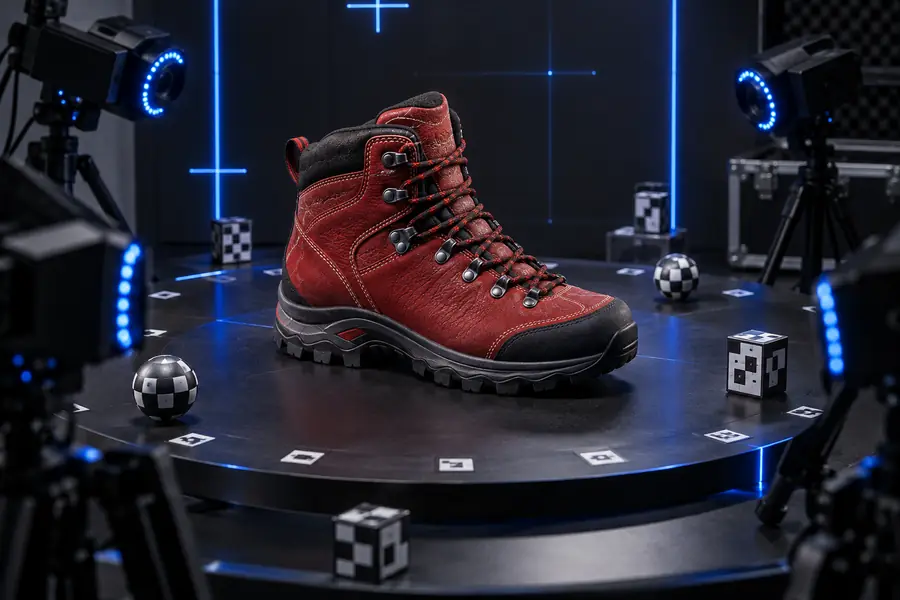
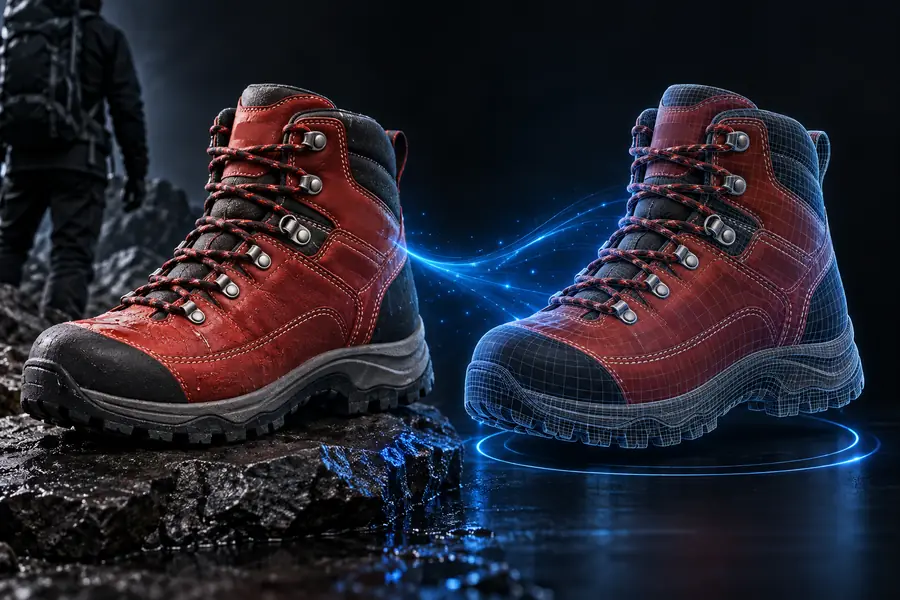
Reference
Drag the divider to compare the two stages.
3D result
Try the workflow
Start with the subject, not a long technical brief. Mention the object, viewpoint, material, proportions, and intended style so the generated result has a clear direction from the first attempt.
Turn a sketch or reference photo into a rough object concept before committing to detailed CAD work.
Review proportions and presentation ideas earlier in the design process.
Use a character or prop image as a visual starting point for a blockout.
Explore silhouettes and scene ideas without modeling every variation by hand.
Begin with a figurine, ornament, or household object reference.
Move from visual inspiration to a model that can be checked and prepared for fabrication.
Generate a rough base from an image, then bring the concept into a familiar creative workflow.
Spend more time refining the artistic result and less time blocking out the first shape.
Keep exploring
The best next step depends on whether you want a guided process, a browser-based starting point, or a more specific creative workflow.
Plan your input
Use the slider to see how image width changes the number of source pixels. This is a planning aid for preparing a clean reference, not a promise about generated geometry or output quality.
px
px
MP
Start with a reference
Bring a clear subject, add a concise description, and use the generated result as a practical first pass. Hitem3d helps you move from a flat visual idea to something you can inspect, revise, and develop.
Variant FAQ
These answers cover the common intent behind searches for an image to 3D model AI free tools and workflows.
It is a workflow that uses a two-dimensional reference, such as a photo or illustration, to create a three-dimensional model concept. The system estimates depth and unseen structure from the visual information available.
Some AI 3D tools offer a free way to begin, although available features, usage limits, and export options can vary. Check the current workflow before relying on a result for production or fabrication.
Use a clear image with the subject separated from distracting background details. A consistent viewpoint, visible silhouette, and readable surface features give the generator more useful information.
No. A single image does not show every surface, so hidden areas and fine geometry may need review or editing. Treat the first result as a strong visual starting point rather than a guaranteed final mesh.