Concept artists
You need a creature, prop, or scene idea to support a visual brief.
Use the result as a shape reference before painting, sculpting, or refining the design. The guide to hitem3d examples free shows how varied 3D concepts can begin.
Browser 3D creation
Hitem3d online free gives you a simple place to explore 3D ideas from a browser. Start with a visual concept, describe what you want, and review the generated result before deciding how to refine it.

At a glance
The browser-based route is useful when you want to test an idea quickly without beginning with a full desktop modeling setup.
| Hitem3d online | Desktop-first 3D workflow | |
|---|---|---|
| Starting point | A prompt or visual concept | A blank scene or imported asset |
| Access | Open from a modern browser | Install and configure desktop software |
| Best first task | Explore shapes, characters, and object ideas | Build and edit a scene in detail |
| Iteration style | Generate, inspect, and revise concepts | Model, sculpt, and adjust manually |
| Learning curve | Low-friction for an early experiment | Broader tools require more practice |
| Output role | A starting model or visual direction | A deeply edited production asset |
| Useful next step | Refine the concept in a 3D editor | Continue directly inside the same toolset |
Built for exploration
Different creators use Hitem3d for different stages of an idea. The common thread is a short path from intention to something visible and discussable.
You need a creature, prop, or scene idea to support a visual brief.
Use the result as a shape reference before painting, sculpting, or refining the design. The guide to hitem3d examples free shows how varied 3D concepts can begin.
You are blocking out a character or object before committing production time.
Create an early asset direction that helps the team discuss silhouette, proportions, and style. The hitem3d ai-powered 3d model generator page explains the broader generation workflow.
You have an object idea but do not want to learn a full modeling package first.
Turn a plain-language description into a concrete model concept that can guide later editing or fabrication. The image to 3d model workflow is useful when your starting point is a picture.
You want to explore an idea online before taking it into a more detailed scene workflow.
Use Hitem3d as an early ideation step, then continue with cleanup, materials, rigging, or scene work in Blender. The hitem3d blender guide covers that handoff context.
Three simple moves
Hitem3d keeps the first pass focused: state the idea, inspect the result, and decide what deserves another iteration.
Write a specific prompt that names the subject, visual style, pose, material, and any details that matter. Concrete language gives the generation a clearer direction.
Look at the silhouette, proportions, recognizable features, and overall style. Treat the first result as a visual answer to your brief, not as a finished asset by default.
Adjust the prompt or continue the concept in another tool. Keep the strongest parts of the first attempt and clarify the details that were missing or ambiguous.
Know the boundary
An online generator is strongest at fast exploration. A finished production asset may still need topology checks, scale decisions, material work, and manual cleanup.
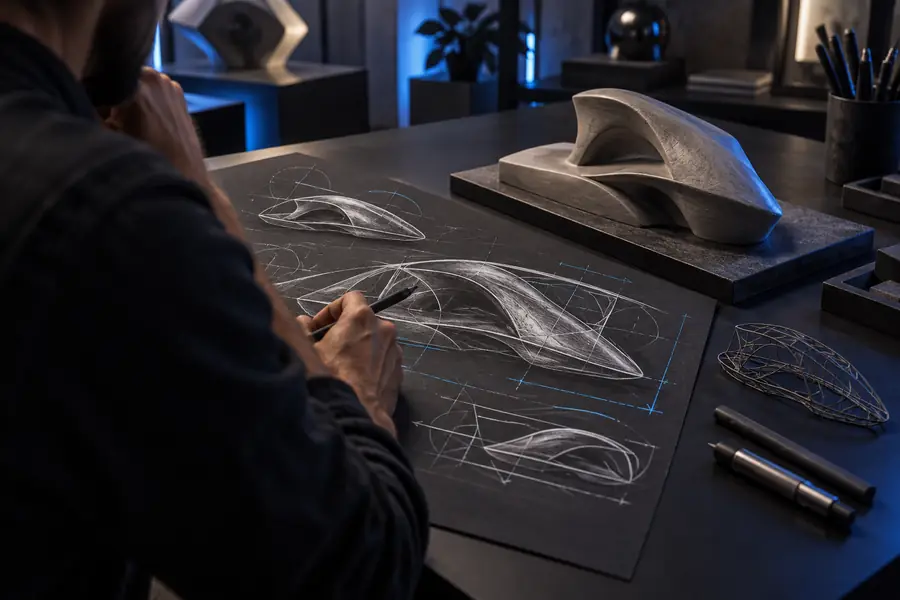
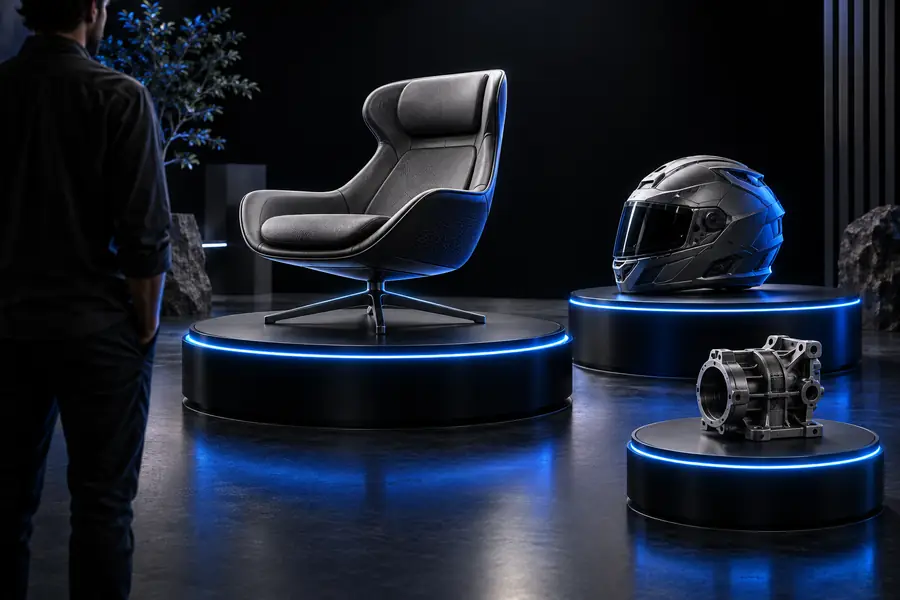
Use the result as a starting point, then inspect it for the needs of your project.
Starting ideaGenerated conceptWorkflow checkpoints
These are practical moments to pause during an Hitem3d session so the model serves the next stage of your project.
Start in the browser
Hitem3d is most useful when you want a visible first pass without overcommitting to a long setup. Bring a clear subject and a few useful descriptors, then use the generated model to guide your next creative decision.
Common questions
It refers to using Hitem3d through an online, browser-based workflow rather than beginning with a locally installed 3D application. The focus is quick access to 3D concept generation and review.
Yes, the online workflow is intended to be opened in a browser so you can begin with a model idea and review the generated result. A modern browser and a stable connection are sensible requirements for any web-based creation tool.
You can explore ideas for objects, characters, props, figures, and other 3D concepts by describing the result you want. The quality of the first pass depends on how clearly you describe the subject and its important visual details.
Not necessarily. An online result is best treated as a starting model or concept until you check geometry, scale, topology, materials, and compatibility with the next tool or process.