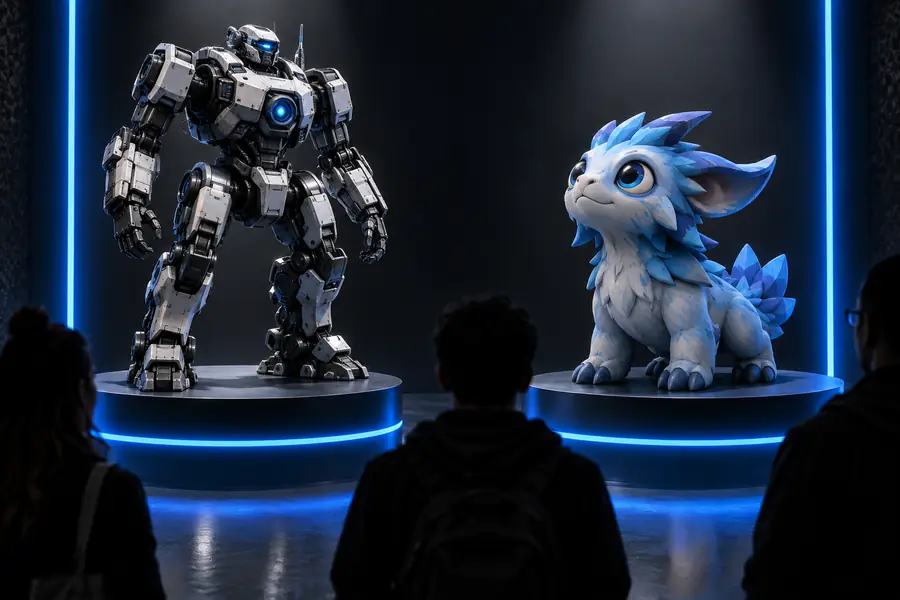
Practical comparison

hitem3d vs meshy ai: A Practical Choice Guide

This hitem3d vs meshy ai comparison focuses on the decision that matters: which AI 3D model generator better fits your input, level of control, and next production step. Neither tool wins every workflow.

Verdict first: two paths

Use these cards as a fast filter before reading the detailed comparison. They describe workflow fit rather than declaring one universal winner.

Hitem3d

Top pick

Best for reference-led concept creation and a direct image-to-model starting point.

Works well

  • A visual reference can anchor the shape, silhouette, and subject more directly than a text-only brief.
  • Useful for turning an initial idea into a tangible 3D starting point without a long setup.
  • Its focused workflow can feel easier for beginners who want to inspect an output quickly.

Trade-offs

  • A single reference image may hide the back, underside, or internal structure.
  • Generated topology and surface detail still need inspection before serious downstream use.
  • It may offer less flexibility when the desired result must be developed through many prompt variations.
Meshy AI

Best for creators who want prompt-led exploration and repeated creative iteration.

Works well

  • Text prompting makes it convenient to explore subjects before a reference image exists.
  • A broader creation workflow can suit concept artists, designers, and rapid visual prototyping.
  • Multiple iterations help compare directions before committing to manual modeling.

Trade-offs

  • Text descriptions can leave important proportions or hidden surfaces ambiguous.
  • A visually appealing result is not automatically production-ready geometry.
  • Prompt iteration can become slower than reference-led generation when the target is already clearly pictured.

Dimension by dimension

The table separates the practical differences that affect a real project. Exact capabilities can change as both products evolve, so treat this as a workflow guide rather than a permanent specification sheet.

Hitem3d Meshy AI
Primary starting point Visual reference and image-led concept creation Text prompts plus visual references
Best early-stage use Turning a pictured subject into a 3D starting point Exploring several concepts from a written brief
Prompt dependence Lower when the reference image already communicates the subject Higher for text-first ideation
Iteration style Adjust the source reference and regenerate or refine Try prompt variations and compare generated directions
Hidden geometry risk Unseen sides still require review and correction Text-only inputs can create more interpretation gaps
Beginner learning curve Focused path from reference to model More creative controls may require more experimentation
Production readiness Treat output as a base for cleanup and retopology Treat output as a base for cleanup and retopology
Best selection criterion How faithfully the output follows a known visual target How much freedom you need while exploring an idea

Dimension by dimension: honest limits

An AI 3D model generator can shorten the first modeling pass, but it does not remove the technical decisions that follow.

1

It cannot see every surface

One image rarely reveals the back, bottom, thickness, or internal construction of an object.

What to do instead

Supply multiple useful views when available, then inspect the mesh from every angle before editing.

2

It cannot guarantee clean topology

Generated geometry may contain uneven density, disconnected pieces, stretched polygons, or surfaces that are difficult to edit.

What to do instead

Plan a cleanup pass in Blender or another 3D editor before rigging, simulation, or fabrication.

3

It cannot infer exact measurements

A model can look right while being the wrong scale or proportion for a real product, scene, or printed object.

What to do instead

Set a known dimension and verify scale after export rather than trusting visual size.

4

It cannot replace art direction

Neither Hitem3d nor Meshy AI decides whether the result matches your brief, style system, audience, or technical constraints.

What to do instead

Define a reference, silhouette, material goal, and use case before generating, then reject outputs that miss the brief.

Who each tool suits

Choose by the shape of your starting material and the amount of exploration you want. The same creator may reasonably use both at different stages.

or

Option 1

You already have a clear image or reference

Choose Hitem3d for the first model pass.

A reference-led route reduces the amount of language needed to describe a recognizable subject and gives you a concrete object to evaluate sooner.

or

Option 2

You are starting with an idea, mood, or written brief

Choose Meshy AI for concept exploration.

Text-first iteration lets you test several subjects and styles before investing time in reference gathering or manual blocking.

or

Option 3

You need a dependable production asset

Use either generator only as an early-stage accelerator, then move into manual review.

The important work becomes topology, scale, materials, UVs, rigging, and testing in the destination application, not the first generation.

What the choice looks like in practice

These role-based outcomes show where each route can save time without pretending that generation removes the finishing work.

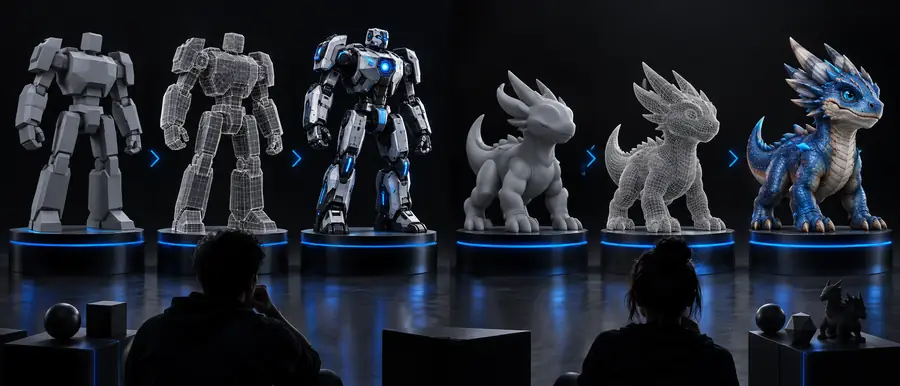
Comparison of AI-generated 3D model workflows Reference-led concept

Independent 3D artist

“I wanted a recognizable blockout from a single character reference, then planned to rebuild the important forms manually.”

First-pass goal

Reference to editable starting point

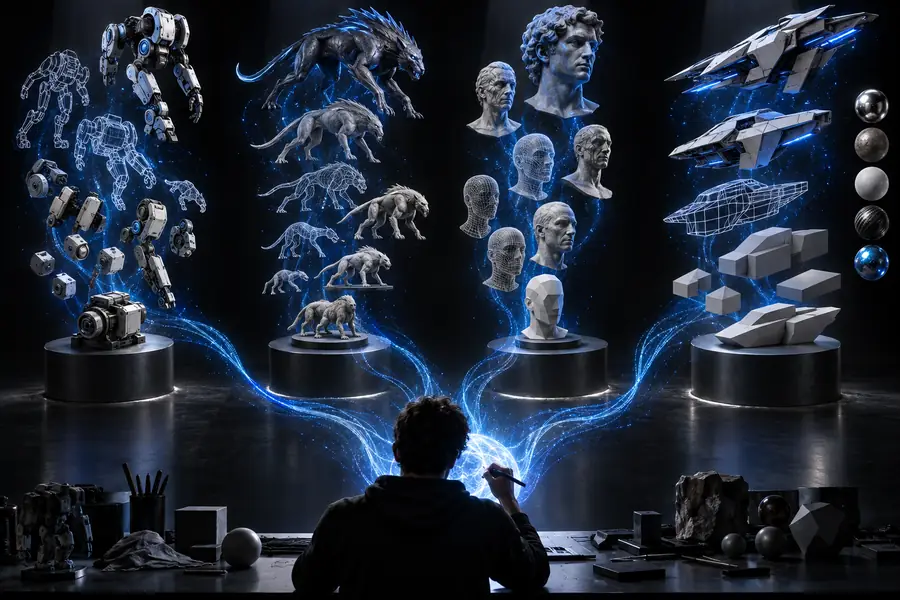
Text prompt becoming a set of visual 3D concepts Prompt exploration

Product designer

“The useful part was comparing several visual directions before choosing one concept for a more disciplined modeling pass.”

Iteration goal

Several concepts before selection

3D model prepared for a Blender workflow Downstream handoff

Blender artist

“The generated mesh was a starting asset, not the finished deliverable; cleanup and scale checks made the handoff reliable.”

Production goal

Clean up before Blender handoff

Choose your starting workflow

If your idea is already visible in an image, Hitem3d gives you a focused place to begin. If your idea is still changing, compare prompt-led directions first, then keep the route that produces the clearest base for your next edit. Either way, reserve time for inspection and cleanup.

  • Start from a reference when the target is already pictured.
  • Start from text when exploration is the main objective.
  • Validate the mesh before treating it as production-ready.
Try Hitem3d

Comparison FAQ

The answer is conditional: the best AI 3D model generator is the one that fits your input, iteration style, and delivery requirements.

There is no single best generator for every project. Hitem3d is a sensible choice for a focused, reference-led start, while Meshy AI can be a better fit for text-led exploration and repeated creative variation.

Hitem3d can be the more natural choice when you already have a clear image and want that reference to guide the first model. The result still needs review because one image cannot fully describe hidden surfaces, dimensions, or production topology.

Meshy AI may suit text-first ideation because written prompts let you explore a subject before creating or finding a reference image. Prompt quality and iteration remain important, and the generated mesh should be treated as a concept base until it passes technical checks.

Neither should be assumed to produce a finished asset without inspection. Check scale, topology, disconnected geometry, materials, UVs, and the requirements of your game engine, slicer, or other destination workflow before delivery.

Switch when your projects begin with clear visual references and you prefer a more direct route to a recognizable starting model. If your main value comes from prompt experimentation, staying with a text-led workflow may be more efficient; compare a representative project before changing your process.

Start creating
Start creating