Text to Image
Bring Your Ideas to Life, Instantly
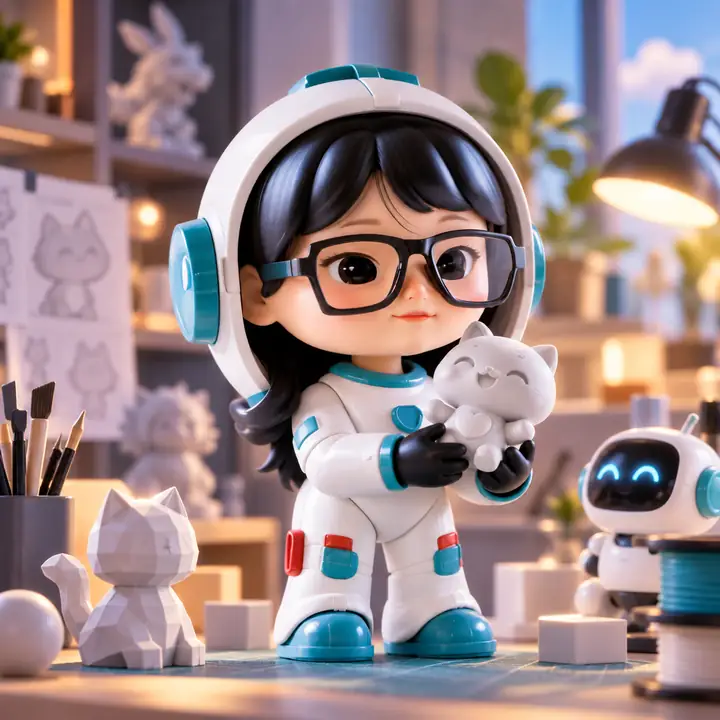
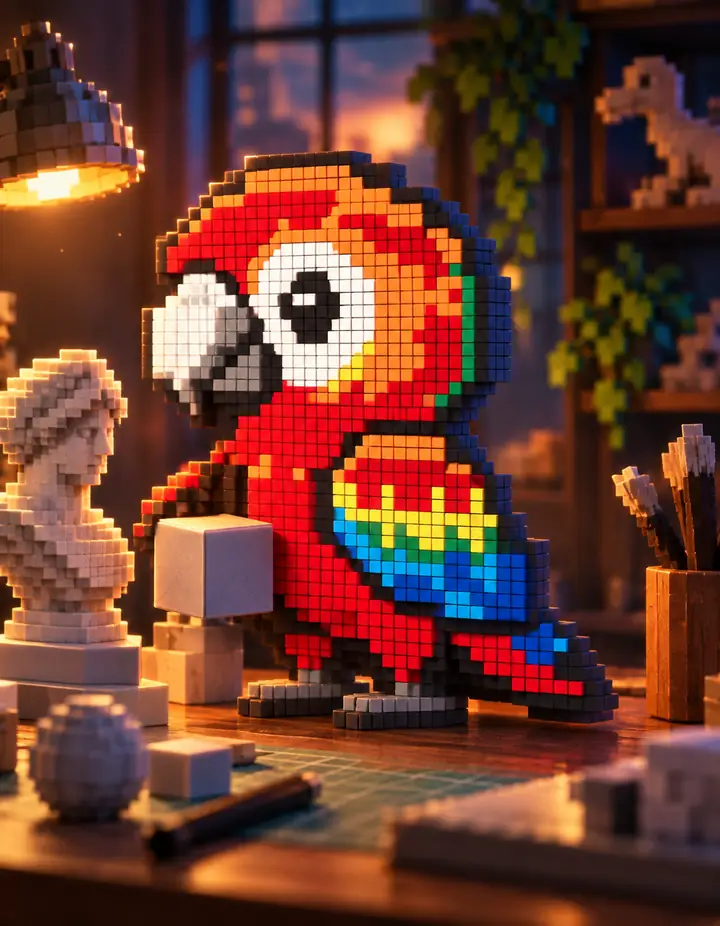
Turn natural language or reference images into visual concepts that match your creative direction.
- Text and image input
- Rapid variations
- Flexible image model options
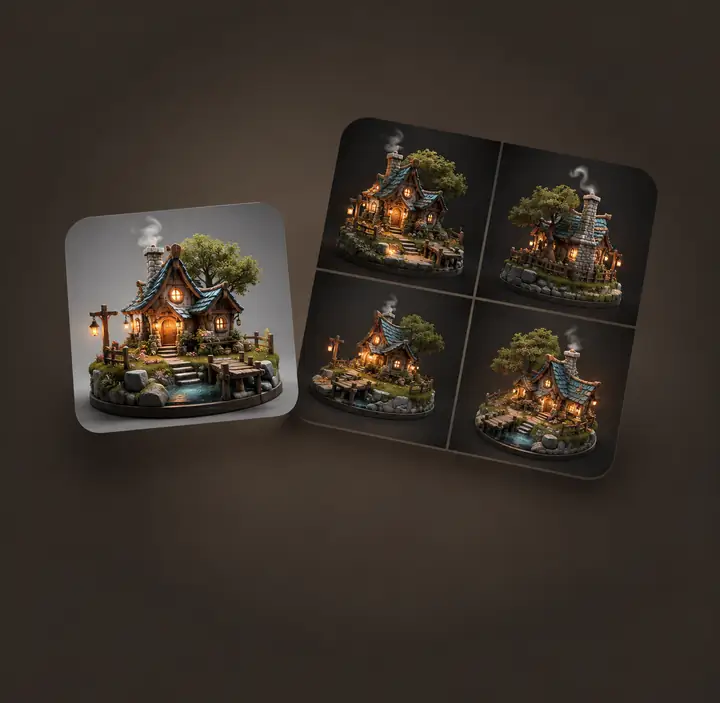
Turn a prompt or reference image into a detailed, editable 3D model ready for real creative work.
From prompt or image to 3D.
Made for makers, artists, and builders
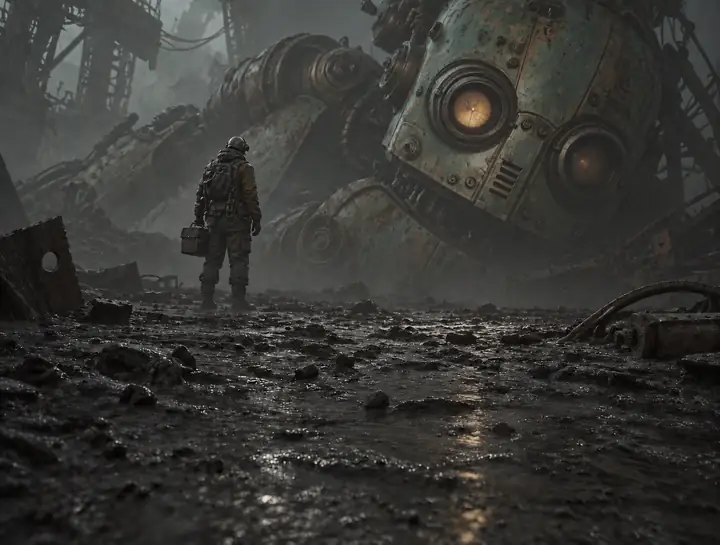
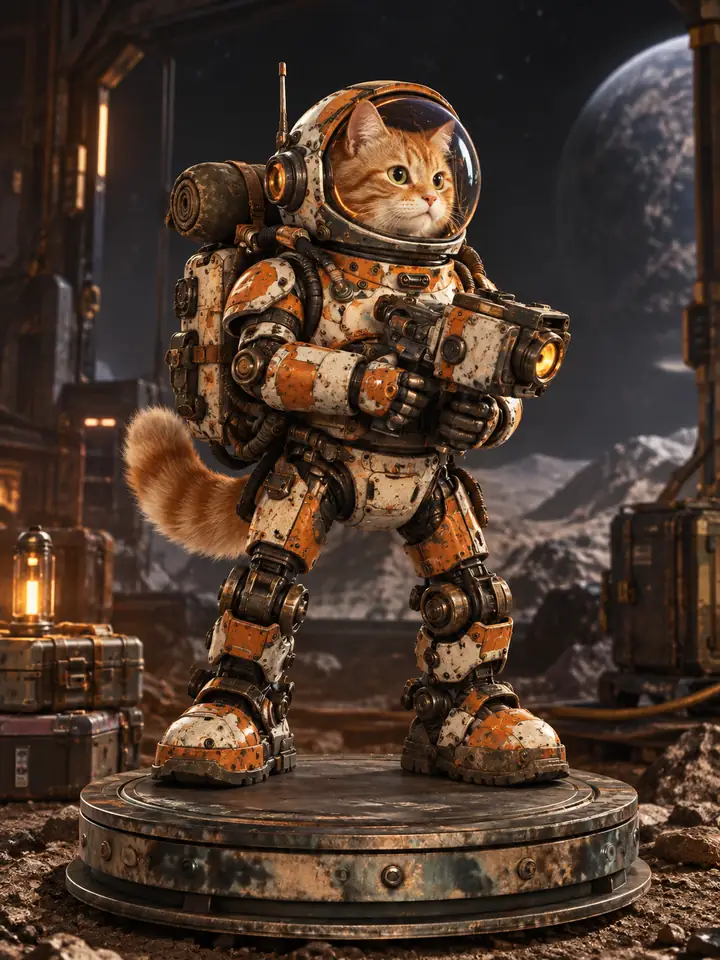
Balanced proportions, clean contours, believable depth, and surface texture keep Hitem3d results clear and natural—even when viewed up close.
See a real Hitem3d example
Hitem3d keeps every step from creation to making simple.
Turn natural language or reference images into visual concepts that match your creative direction.
Reconstruct form, structure, and detail to faithfully bring a reference image into an editable 3D model.
Separate complex models and create connection structures for easier printing, assembly, and interaction.
Detect color regions and boundaries, then prepare your model for a cleaner multi-color workflow.
Explore ready-made starting points or turn one reference image into a 3D creation. No experience needed.
Explore now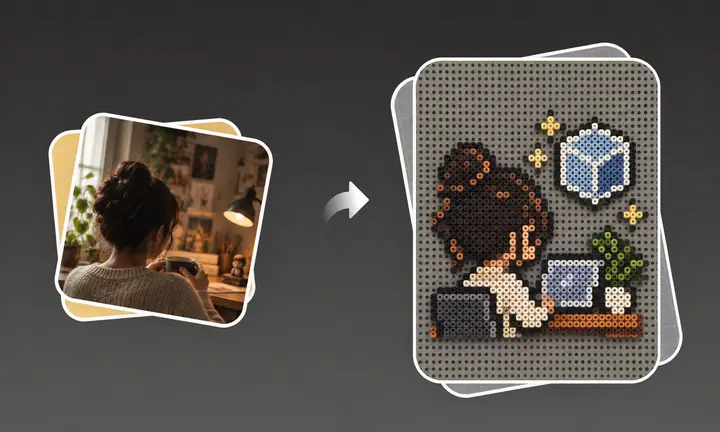
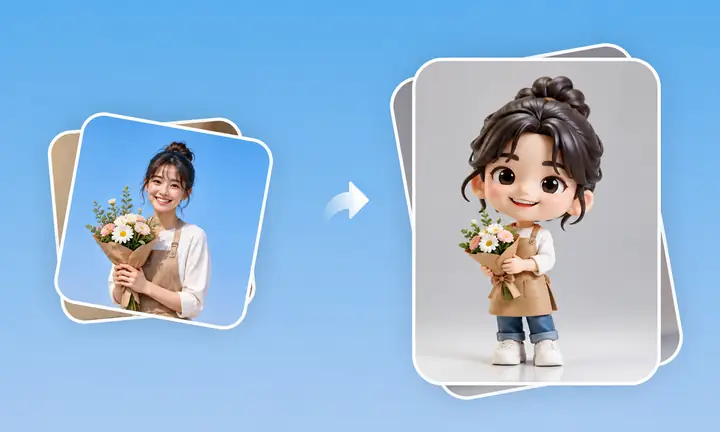
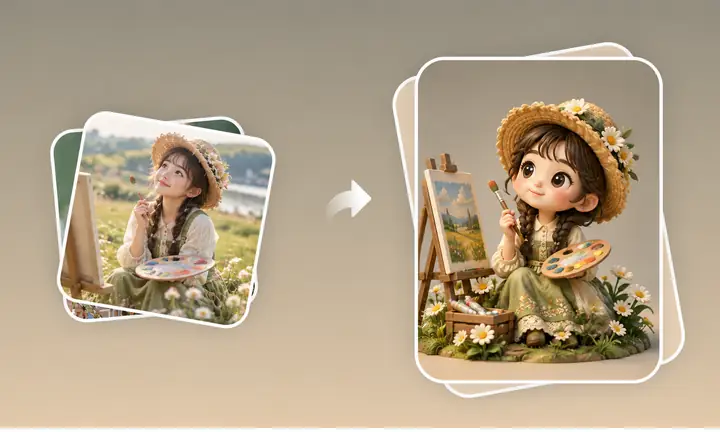
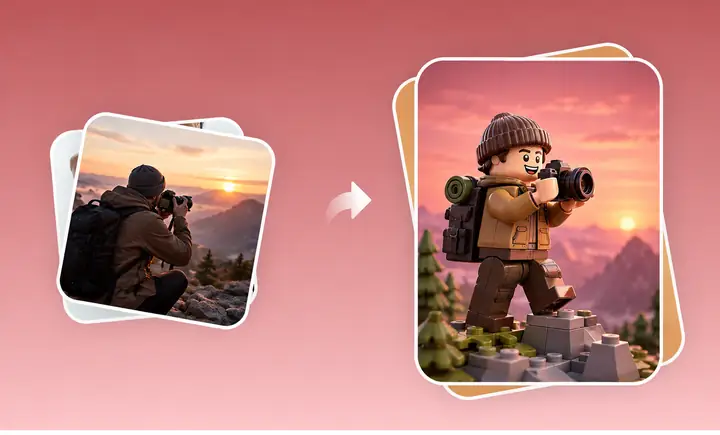
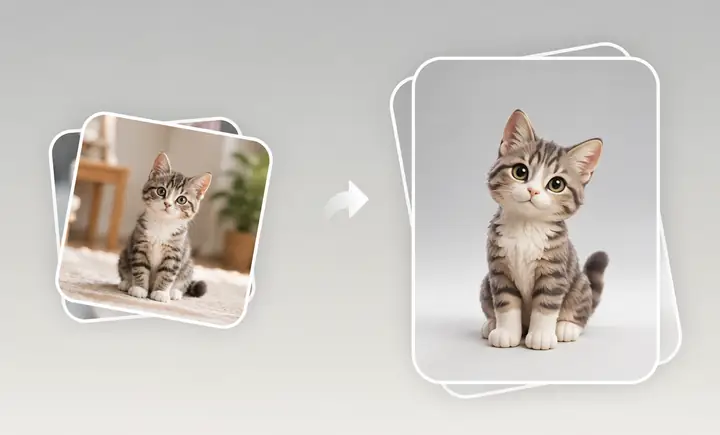
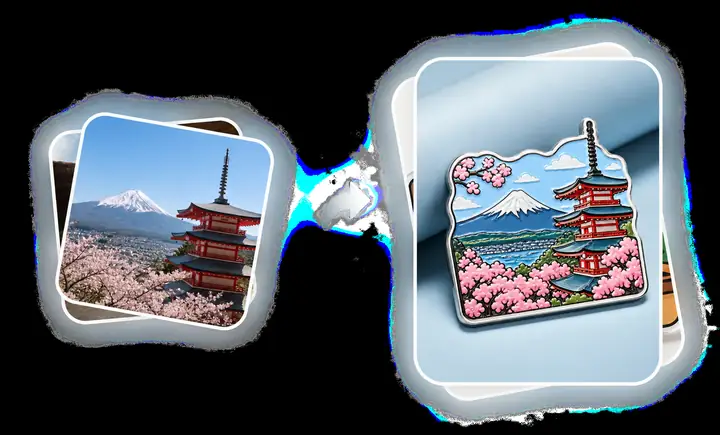
Whether you own a 3D printer or not, Hitem3d helps you prepare, print, and bring your model into the real world.
Make it realHitem3d checks, arranges, and optimizes your model so you can export it in the format you need or continue with your usual slicer.
Find a suitable orientation and placement for more efficient printing.
Export in popular formats including STL, OBJ, 3MF, GLB, and USDZ.
Send your model onward and continue with the printing workflow you already use.
Choose your 3D model, material, and size, and let Hitem3d handle the printing and delivery—bringing your creation to life.
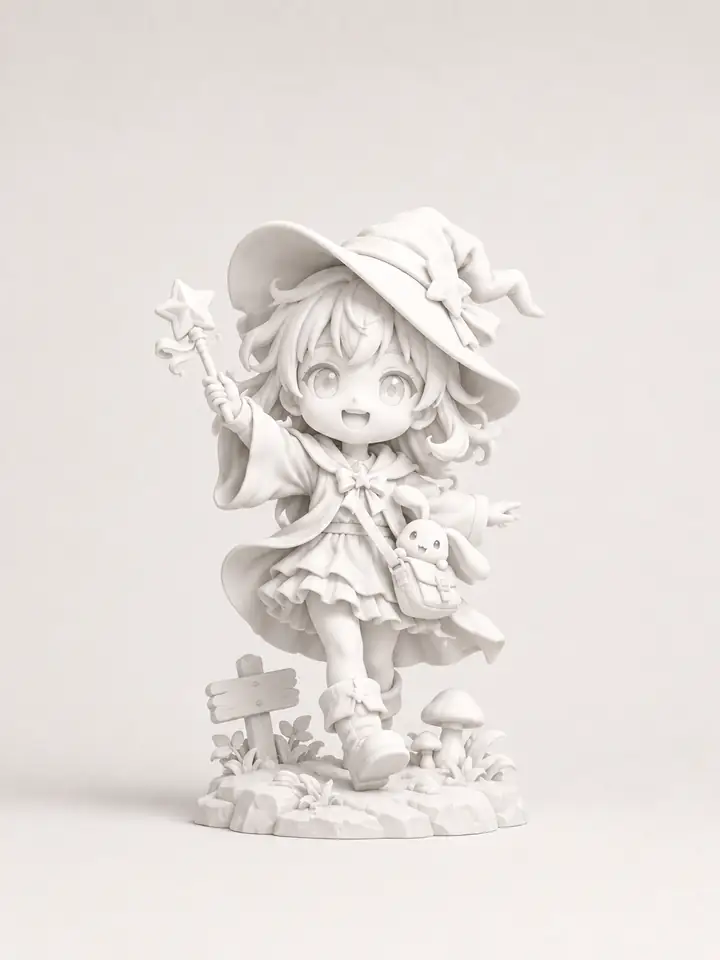
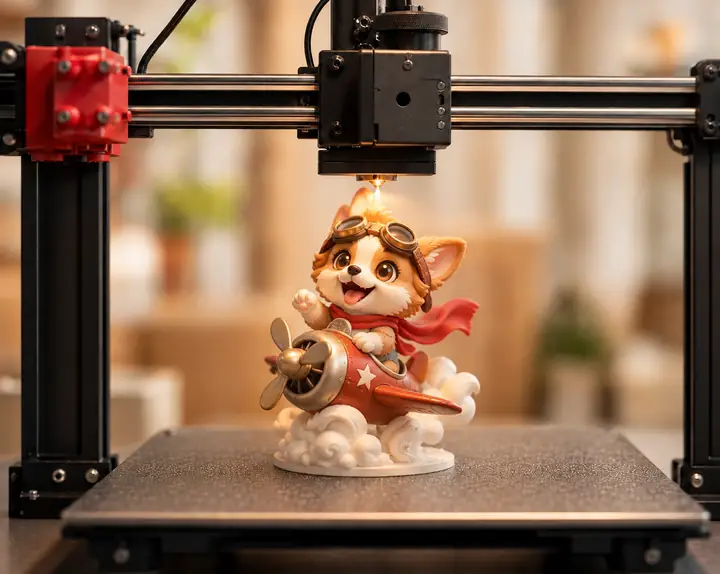
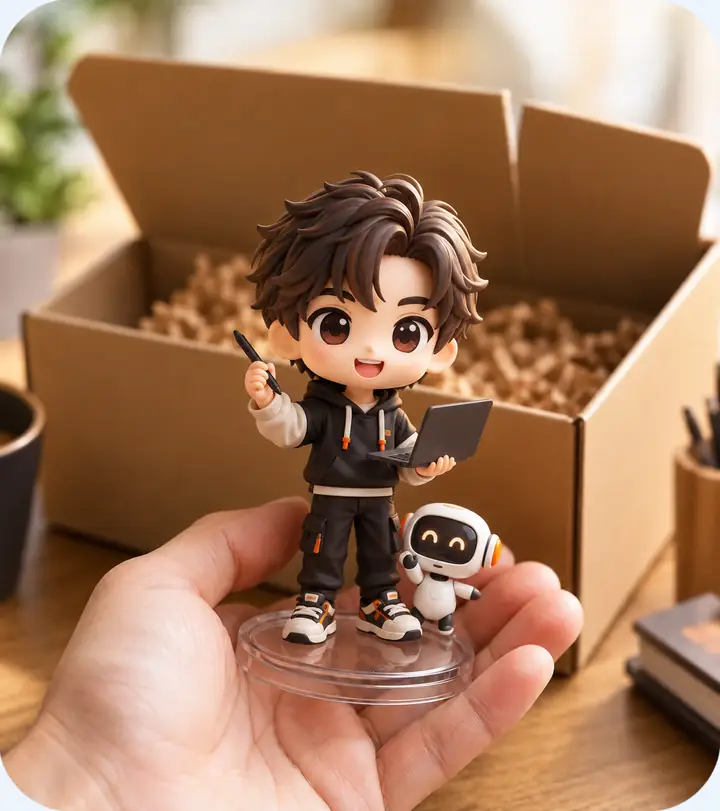
Discover inspiring community models and spark your next creative direction.
Explore more showcase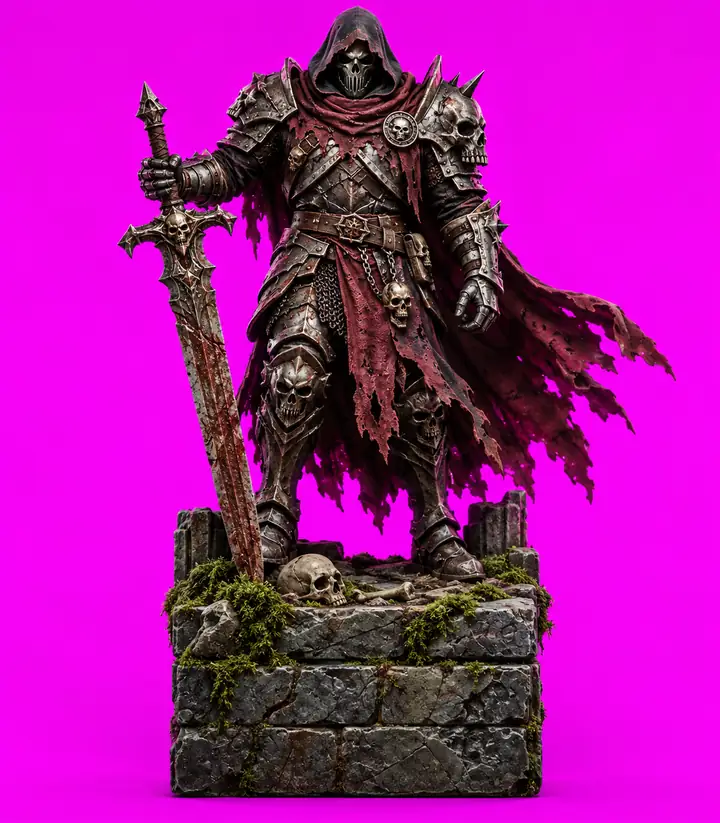
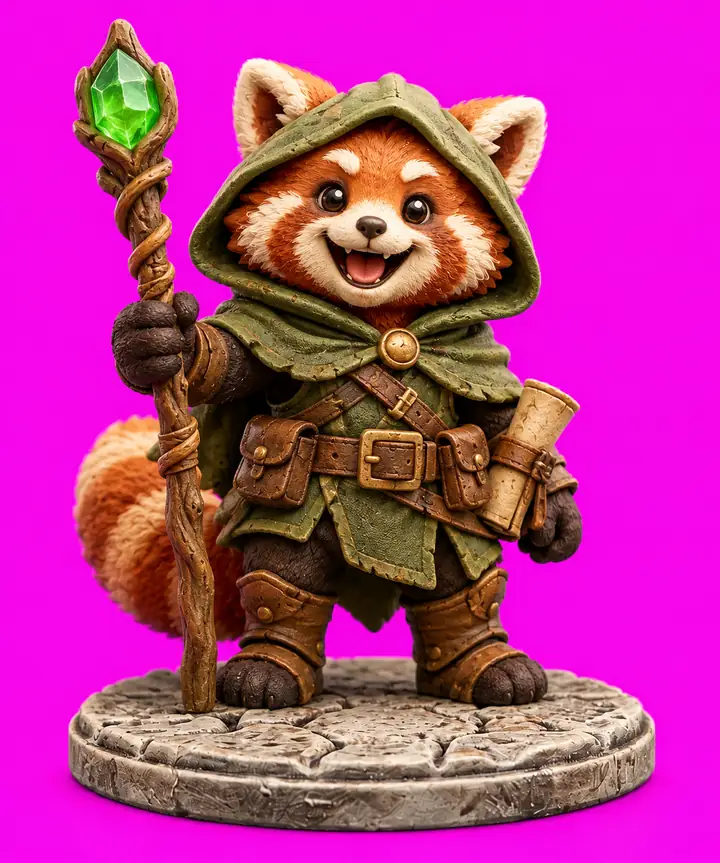
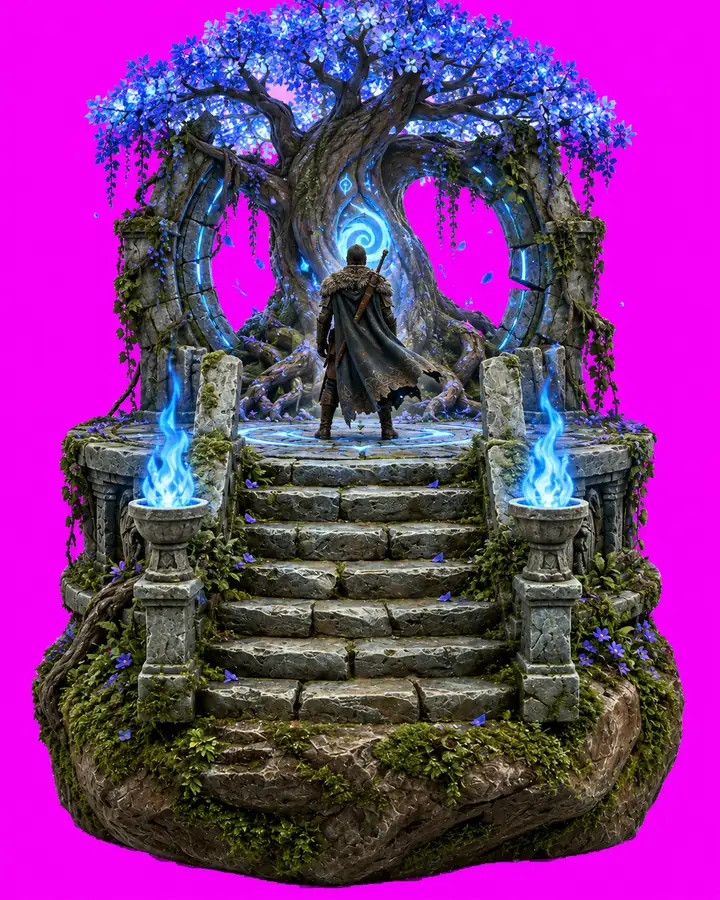
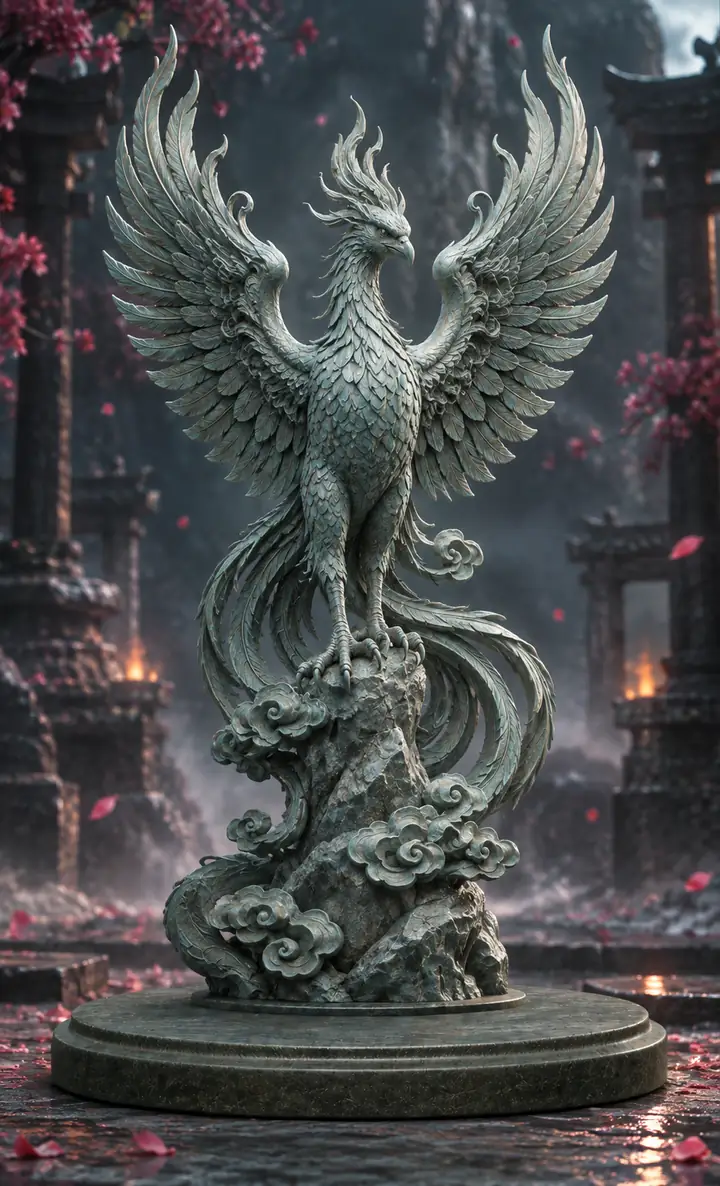


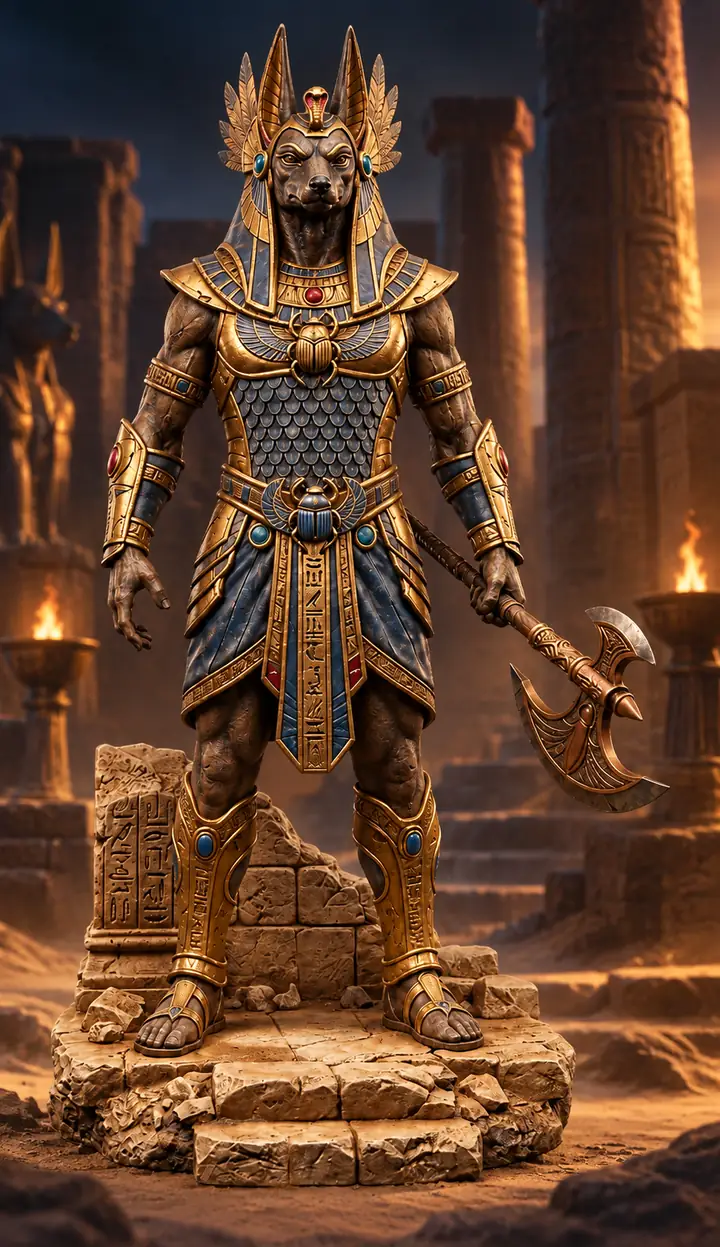
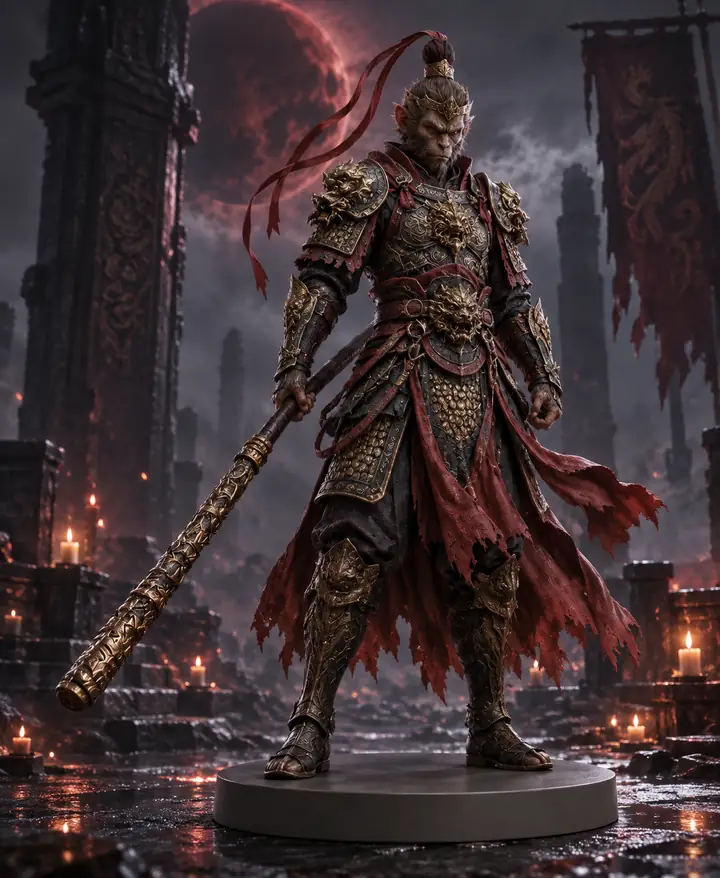
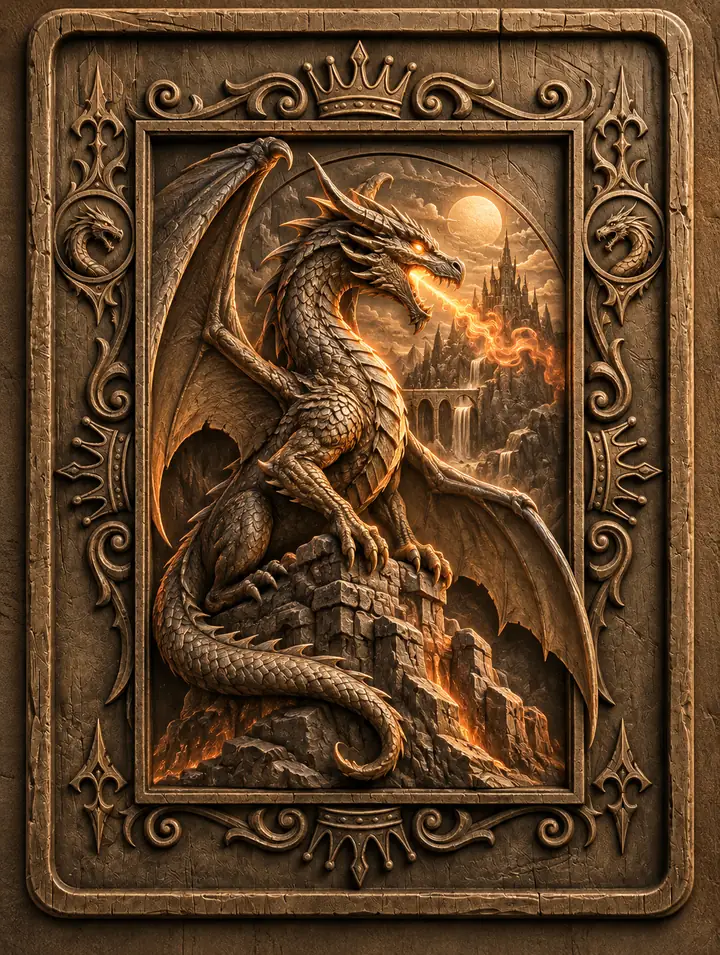
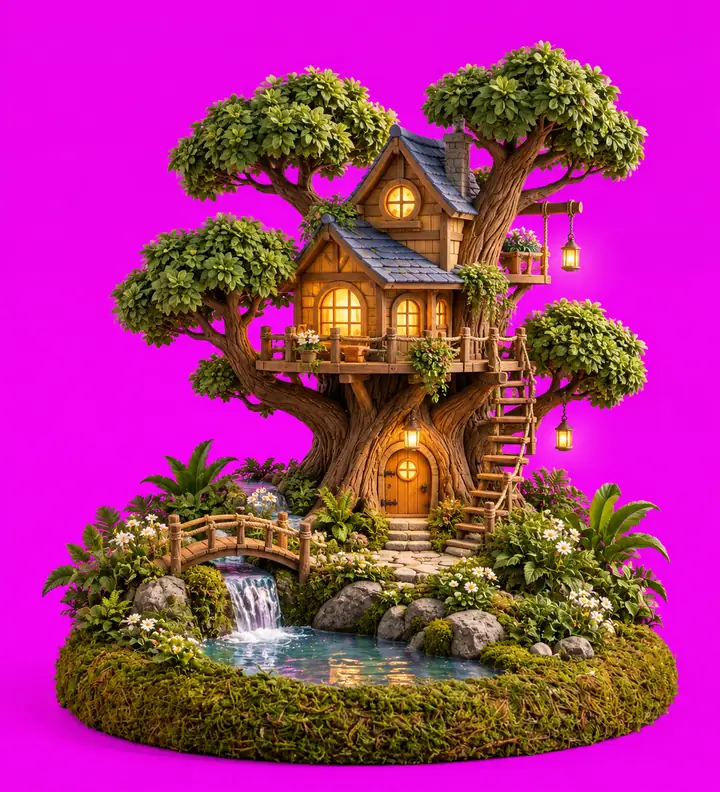
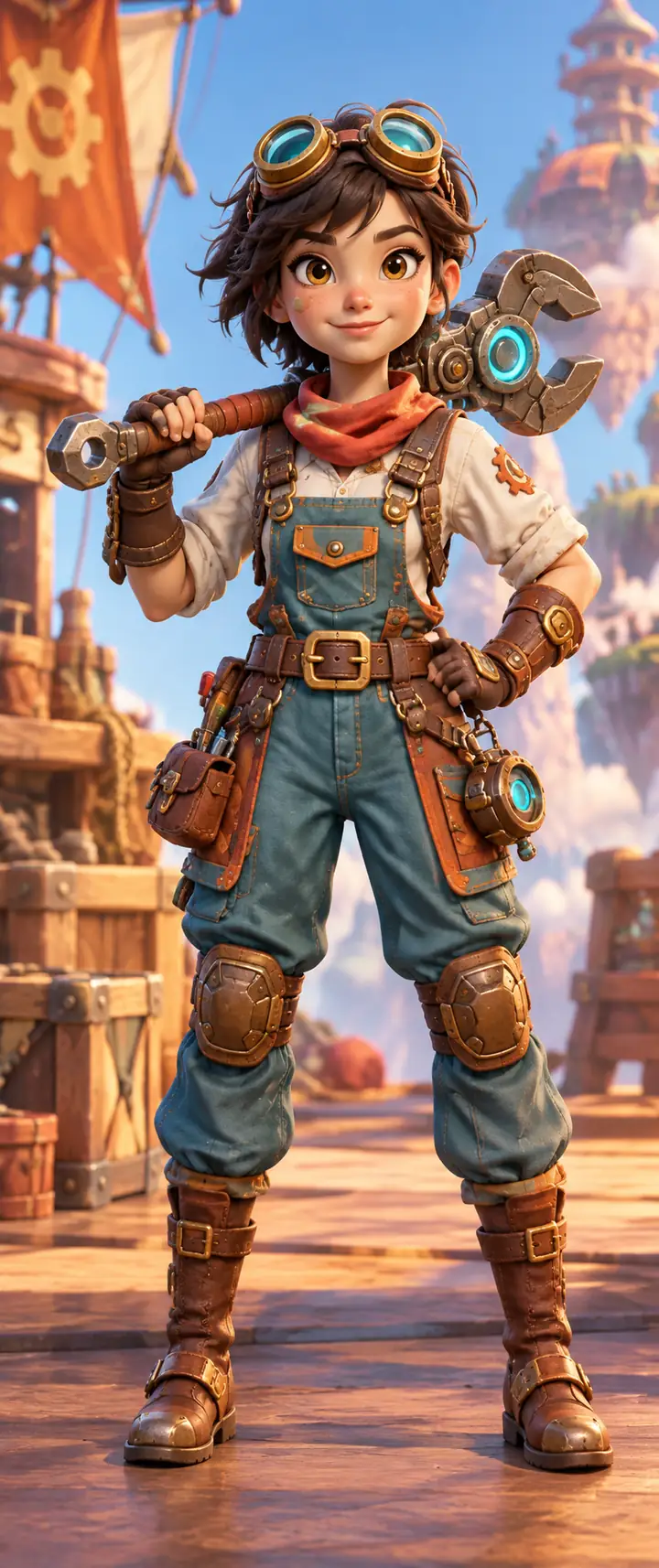

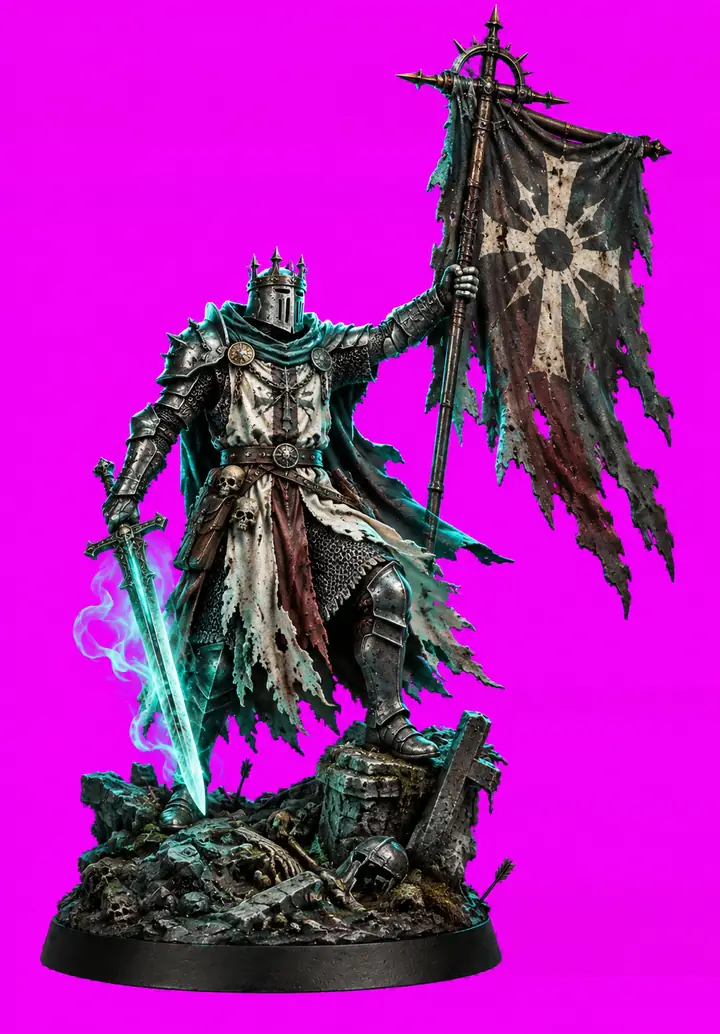
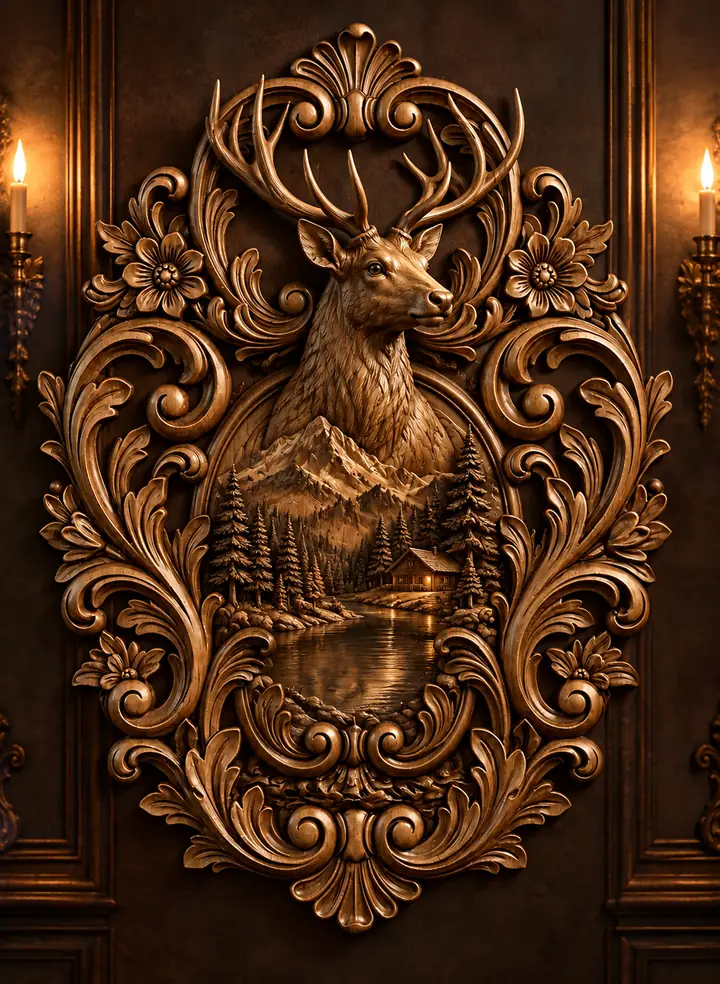
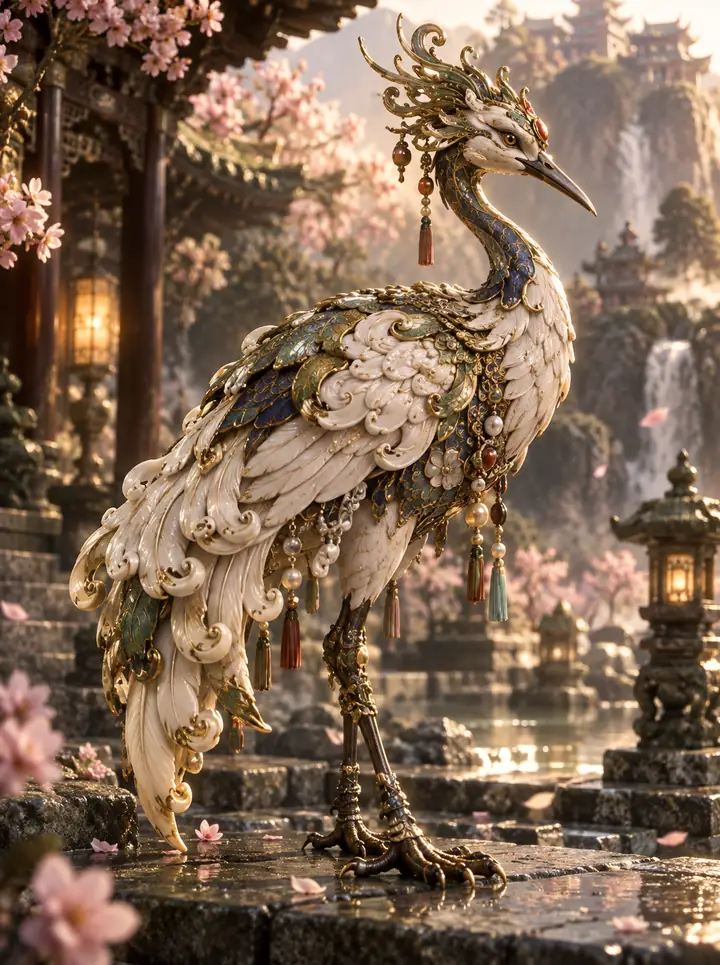
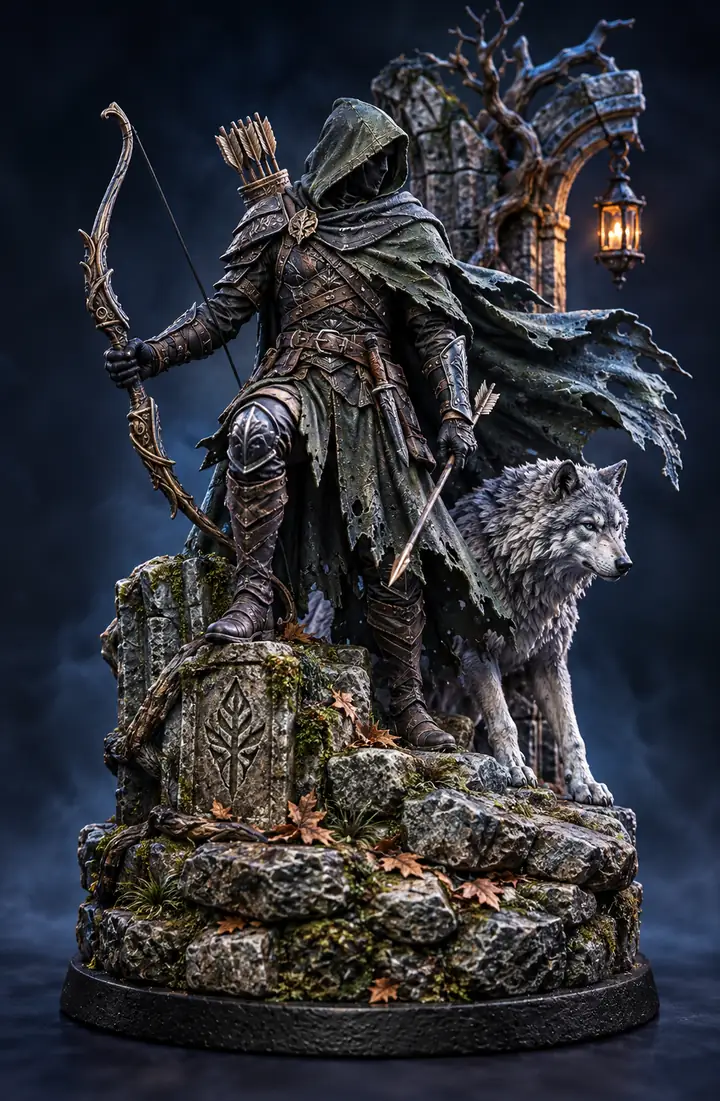
From characters and games to products, gifts, and industrial ideas, explore how makers are bringing all kinds of concepts into 3D.
Characters and Collectibles
Maker note
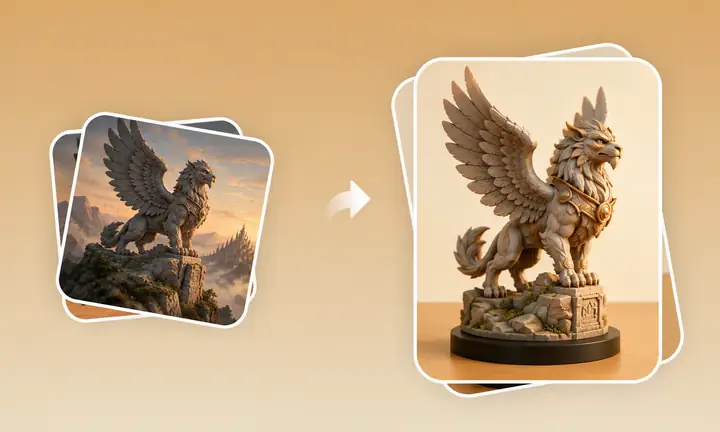
Keep the expression, silhouette, and small surface details intact while moving from a visual idea to a model that feels ready to hold.
Learn more
Products and Objects
Maker note
Start with a rough reference and get a clean, structured base that can move into a prototype without losing the original direction.
Learn more
Games and Entertainment
Maker note
Move from a strong visual cue to a useful base model faster, while keeping the creative decisions in your own hands.
Learn moreMaker note
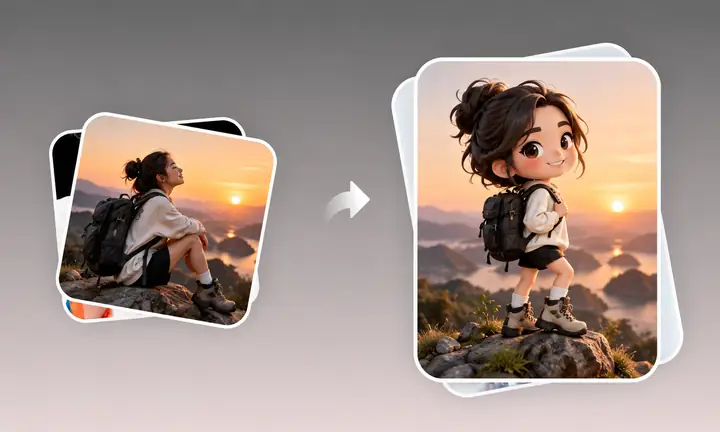
A single image can become a personal object, a display piece, or a thoughtful gift with a little imagination and a clear starting point.
Learn moreEverything you need to start creating with confidence.
Hitem3d is an all-in-one AI 3D creation platform that turns text or images into detailed, editable, maker-ready 3D models. Create figurines, gifts, game assets, product concepts, and more from a simple starting point.
No. Enter a text prompt or add one or more images to begin. Hitem3d provides sensible defaults for generation and preparation, while more detailed adjustments can be made in your preferred 3D software.
It takes three steps: 1. Add a clear, well-lit image with the full subject visible and minimal obstruction. JPG, PNG, and WebP are useful starting formats. Add more views when side or rear details matter. 2. Start generation after adding the image. Hitem3d builds a usable 3D model from the visual reference. 3. Edit or export the result as GLB, OBJ, STL, or another supported format for further work. You can then continue in your 3D software or send it to a compatible slicer.
Hitem3d models work for both digital projects and physical creations: 1. Figurines, collectibles, personalized gifts, and multicolor prints. 2. Game characters, props, animation, film, and immersive content. 3. Product concepts and rapid physical prototypes. 4. Further editing and refinement in Blender and other leading 3D software.
Yes. Hitem3d offers a free way to explore selected creation features. Available options and usage limits are shown before you begin, so you can choose the workflow that fits your project.
If a task cannot finish because of a system or service issue, the available task policy applies automatically. You can review the task status and retry options from the task area before trying again.
You retain rights to models you create subject to the plan and license terms that apply to your use. Make sure you have permission to use any images or materials you upload and that they do not infringe another party’s rights.
Generated models are private by default unless you choose to share them. Your uploads and generated files are handled to provide the service. Review the current privacy terms for details about processing, retention, and deletion.
For help with your Hitem3d workspace, tasks, or technical questions, use the support contact provided in your account area. You can also follow the Hitem3d community channels for product updates and practical tips.